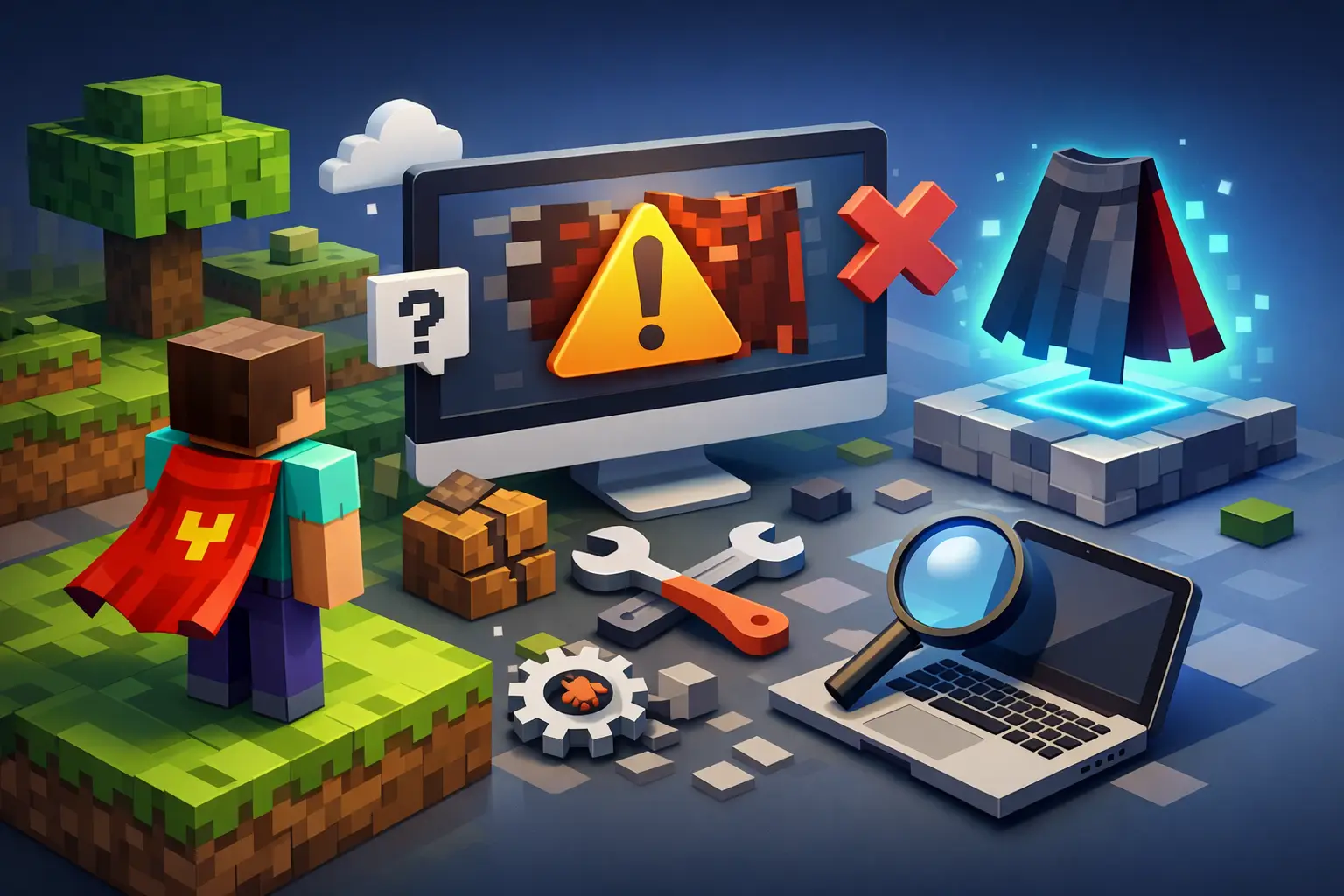
A cape code is not just another cosmetic purchase. For collectors, it can represent a rare event, a legacy drop, or a piece of Minecraft history that changes how your account looks in every server lobby. That is why a redemption error feels bigger than a normal checkout hiccup. If you are searching for how to fix Minecraft cape redemption errors, the fastest solution is usually to identify whether the issue is the code, the Microsoft account, the redemption page, or the entitlement itself.
Do not keep retrying the same code in a rush. Repeated attempts will not repair an expired, already-used, or incorrectly entered code. Instead, work through the checks below in order and keep your code private until the issue is resolved.
Start by checking the exact error message
Minecraft redemption pages do not always explain the problem in collector-friendly language, but the wording still matters. A message saying a code is invalid is different from one saying it has already been redeemed, and both require a different next step.
If the page says the code is invalid, first confirm that every character was entered exactly as delivered. Digital codes can include similar-looking characters, especially uppercase I, lowercase l, the number 1, uppercase O, and zero. Copy and paste when possible, but make sure you did not include an extra space before or after the code.
If the page says the code has already been redeemed, stop immediately. Do not share the code, post a screenshot of it, or try it on another account. This message can mean the code was previously claimed, but it can also appear when you are signed into the account that already owns the cape. Check the account’s Minecraft cosmetics or dressing room before assuming something went wrong.
An expiration message is more direct. Some promotional and event-related cape codes have a fixed redemption window. Once that window has passed, the code may no longer be redeemable even if it was never used. This is one reason collectors should redeem verified codes soon after delivery instead of holding them indefinitely.
How to fix Minecraft cape redemption errors caused by the wrong account
The most common redemption problem is not a bad code. It is the right code being redeemed while logged into the wrong Microsoft account.
Many longtime players have more than one account without realizing it. You may have a personal Microsoft account, an old Xbox profile, a school email login, or a family account used for Bedrock. If the browser is already signed in, the redemption page may automatically apply the code to that account. Once a code is attached to an account, it generally cannot be moved to another one.
Before entering a code, sign out of all Microsoft and Xbox sessions in your browser. Then sign in with the exact Microsoft account that owns the Minecraft profile where you want the cape. Confirm the email address, not just the gamertag. If you use multiple browser profiles, an incognito or private window can prevent cached sessions from causing another account mix-up.
This matters even more for gift buyers. A cape code is often safer to give as an unredeemed code than to redeem on someone else’s behalf. The recipient should sign into their own account and claim it themselves, preserving clear ownership from the start.
Rule out browser and page problems
A valid code can still fail to submit correctly when the browser session is broken, outdated, or blocked by privacy settings. This does not mean the cape is gone. It means the redemption page did not complete the request properly.
Start with a clean browser session. Clear cookies for Microsoft and Minecraft sign-in pages, then reopen the redemption page in a private window. Disable extensions that alter scripts, block sign-in popups, autofill fields aggressively, or route traffic through a proxy. Ad blockers are usually useful, but they can occasionally interfere with account pages.
If the page continues to load forever, rejects the sign-in, or returns a generic error, try a second current browser on desktop or mobile. Chrome, Edge, Firefox, and Safari can behave differently with Microsoft account authentication. Also check that your device date and time are set automatically. An incorrect system clock can cause sign-in tokens to fail.
Avoid entering the code repeatedly across several devices while troubleshooting. Pick one clean session, confirm the correct account, and attempt redemption once. If it fails, document the exact message and move to support rather than burning time on identical attempts.
Make sure you are using the correct redemption route
Not every Minecraft cosmetic code follows the same redemption path. Some codes are tied to a Microsoft or Xbox redemption flow, while others use a Minecraft-specific page or were distributed through a partner event. A code entered on the wrong official page may appear invalid even when it is legitimate.
Read the delivery instructions associated with the code carefully. The product type matters. A Bedrock-related entitlement can behave differently from a Java account cosmetic, and certain capes may only appear after the related account services have synchronized. If the code instructions identify a particular redemption destination, follow that route exactly rather than using a page you found through an old forum post or video.
Be cautious with outdated advice. Minecraft account systems have changed substantially since the Mojang-to-Microsoft migration. A guide written years ago may reference legacy login steps that no longer apply. Use current official account pages and the redemption instructions provided with your verified purchase.
The code redeemed, but the cape is missing
A successful redemption confirmation does not always mean the cape appears in-game instantly. Account entitlements can take time to sync, especially around major updates, busy promotional periods, or after a recent account migration.
First, fully close Minecraft and sign out of the launcher or game. Sign back in with the same Microsoft account used during redemption. On Bedrock, look through the Dressing Room and the cape or character customization categories. On Java, check the cosmetic or skin customization area associated with your account. The exact location depends on the cape type and game edition.
Give the entitlement some time before escalating. A short wait is normal; waiting days with no sign of the item is not. If the cape is still absent after the account has had time to update, take screenshots of the redemption confirmation, your account email, and the missing cosmetic screen. Those details make support requests much easier to investigate.
Do not confuse a hidden cape setting with a missing entitlement. Some players disable cape rendering in their skin or cosmetic settings, while others may not see capes consistently because of client settings, server plugins, or third-party launchers. Check the official launcher and a standard game session before assuming the redemption failed.
Protect your code while you troubleshoot
Cape codes are bearer items. Anyone who sees an unused code can potentially redeem it first. Never send a full code in a public Discord channel, a social media post, or a comment asking strangers to validate it. A screenshot can expose more than you think, including the full code, order details, and account information.
When contacting a legitimate seller or support team, follow their secure support process and share only what is needed. Order confirmation, the error message, the date and time of the attempt, and the first few or last few characters of a code are often enough to begin an investigation. Do not provide your Microsoft password, two-factor authentication codes, or complete account credentials to anyone. No reputable marketplace needs them to verify a redemption issue.
Verified inventory and tracked fulfillment reduce the risk before redemption begins, but collectors should still treat each code like a high-value digital collectible. Save the original delivery email and keep a record of which Microsoft account you used.
When to contact support
Contact support when the code shows as already redeemed even though you have not claimed it, when a confirmed redemption does not add the cape after reasonable sync time, or when the official redemption page returns a repeatable error in multiple clean browser sessions.
Your message should be concise and specific. Include the purchase or order reference, the exact error wording, the Microsoft account email with sensitive details masked where appropriate, the redemption date, and screenshots. Do not send the full code unless the support channel explicitly and securely requests it. Clear evidence speeds up verification and keeps the conversation focused on whether the issue is fulfillment, account ownership, or platform synchronization.
For collectors buying rare cosmetics, that support layer is part of the value. MineCapes.gg focuses on verified official cape listings, secure Stripe checkout, instant code delivery, and help when the redemption process does not go as expected.
A redemption error is frustrating, but it does not automatically mean you lost the cape. Slow down, confirm the account, use the correct redemption route, and preserve your evidence. The best outcome is not just seeing the cape appear today – it is knowing it is legitimately attached to the account you intend to keep.